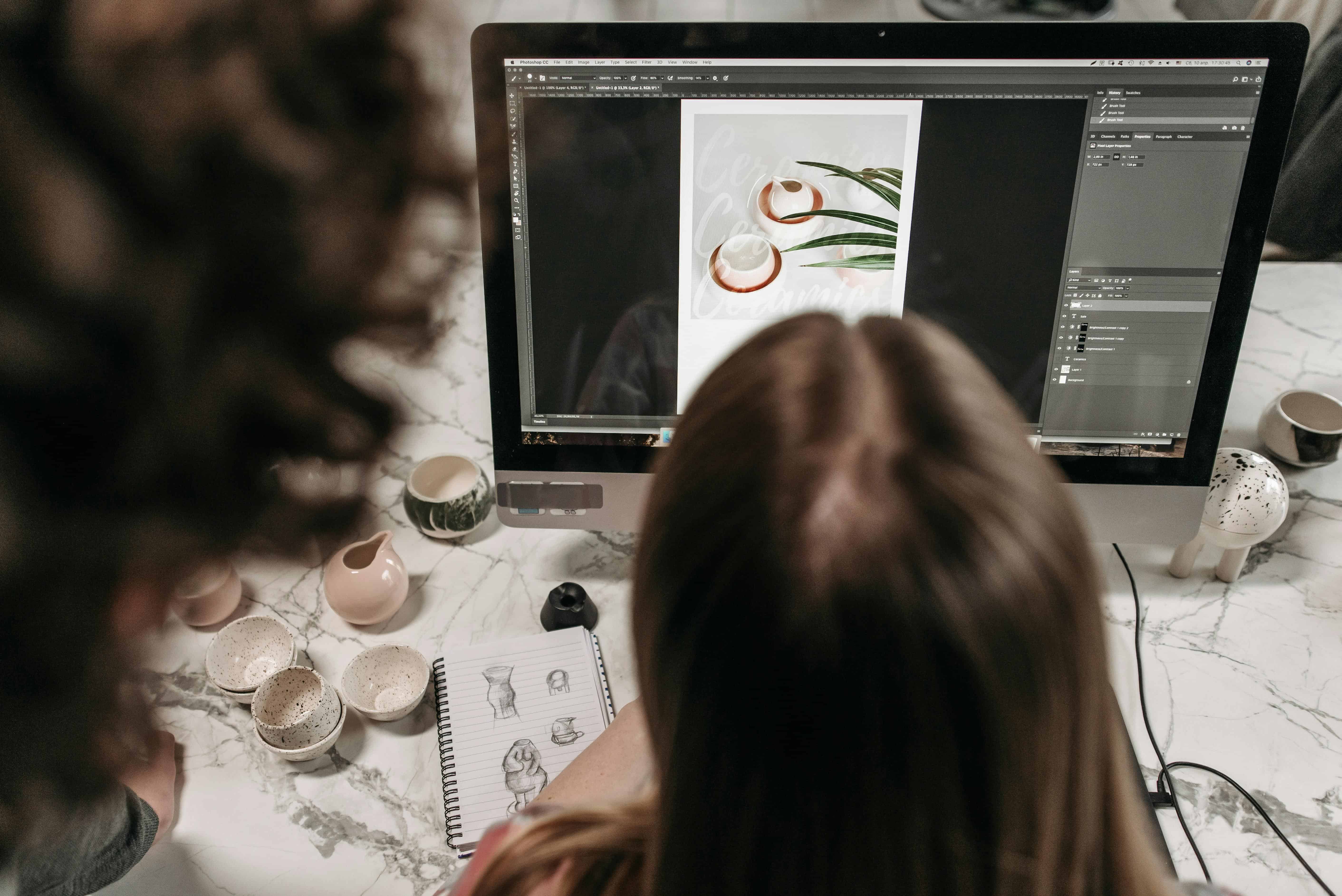
Photo design is both an art and a science. Whether you're editing product photos for an e-commerce store, creating social media graphics, or designing marketing materials, small mistakes can significantly impact the final result. The good news? Most common photo design errors are easily preventable once you know what to look for.
Let's walk through the most frequent mistakes designers make and practical strategies to avoid them.
1. Oversaturation and Color Problems
One of the quickest ways to make a photo look amateurish is pushing saturation too far. While vibrant colors grab attention, oversaturated images often look artificial and unpleasant to the eye.
The Problem: Designers frequently boost saturation thinking it will make colors "pop," but this can result in blown-out hues that lose natural depth and detail. Color casts-unwanted tints like too much blue or yellow-are equally damaging.
The Fix:
-
Start with saturation at 0 and increase gradually, stopping before colors look artificial
-
Use selective saturation: boost only specific colors while leaving others neutral
-
Always check your image on multiple devices before finalizing
-
Use a color picker tool to identify and neutralize unwanted color casts
-
Aim for natural colors that still feel vibrant rather than hyper-real
Pro Tip: If your design tool has it, use the HSL (Hue, Saturation, Lightness) adjustment panel instead of a blanket saturation slider. This gives you far more control over individual color ranges.
2. Poor Exposure and Blown Highlights
Exposure problems are among the hardest mistakes to fix after the fact. Overexposed areas (blown highlights) lose all detail and become distracting white patches. Underexposed areas sink into muddy shadows with no recover-able detail.
The Problem: Many designers rely on auto-exposure adjustments or fail to check their histograms. This is especially problematic for product photography where consistency matters-a blown-out highlight on a product's edge can cheapen its appearance.
The Fix:
-
Always check your histogram while editing; it's more reliable than your eyes
-
Use exposure bracketing (taking multiple shots at different exposures) when shooting
-
In post-production, use highlight recovery tools to salvage overexposed areas
-
For underexposed photos, lift shadows gradually while watching for noise
-
Use graduated filters for uneven exposure (bright sky vs. darker foreground)
Pro Tip: The "clipping indicator" in most design tools shows overexposed areas in red and underexposed in blue. Use this visual guide to nail your exposure before moving on.
3. Neglecting Composition Basics
A sharp, well-edited photo with poor composition still feels off. Composition is the foundation-it determines whether your viewer's eye lands where you want it.
The Problem: Designers sometimes assume that editing can fix weak composition. It can't. A centered subject with no leading lines, no depth, and no visual hierarchy will remain unengaging no matter how much you enhance it.
The Fix:
-
Apply the rule of thirds: position key elements along the grid lines, not dead center
-
Use leading lines (paths, edges, shadows) to guide the viewer's eye toward your subject
-
Create depth by including foreground, middle ground, and background elements
-
Leave negative space intentionally; don't feel pressured to fill every inch
-
Ensure your subject stands out from the background, not blends into it
Pro Tip: If you're working with existing photos that have weak composition, try cropping strategically to improve the framing. Sometimes removing distracting elements is more powerful than adding filters.
4. Ignoring White Balance and Color Temperature
Color temperature-whether an image leans warm or cool-sets the entire mood. Get it wrong, and a beach sunset looks sickly; get it right, and it feels inviting.
The Problem: Automatic white balance doesn't always work, especially in mixed lighting. This leads to images with blue color casts (indoors under tungsten lights) or yellow casts (daylight mixed with artificial light). Many designers either don't notice or don't know how to correct it.
The Fix:
-
Shoot under consistent lighting, or use white balance presets (Daylight, Cloudy, Tungsten, etc.)
-
In post-production, adjust color temperature using the temperature slider (move toward warm or cool)
-
Use the white balance selector tool: click on something that should be neutral (white wall, gray card) and let the tool auto-correct
-
For creative effect, intentionally shift temperature warm for coziness or cool for drama
-
Cross-check your results on different monitors if possible
Pro Tip: Most professional photo editors have preset white balance corrections. Try "Auto," "Daylight," and "Cloudy" in sequence to see which looks most natural before fine-tuning manually.
5. Excessive Sharpening and Noise
Sharpening can make details pop-but overdo it, and you'll introduce halos, artifacts, and a plastic, unnatural look. Noise (grain) is equally tricky to handle.
The Problem: Designers sharpen indiscriminately across the entire image, creating harsh edges and ruining skin tones. Similarly, aggressive noise reduction can over-smooth details and destroy texture.
The Fix:
-
Apply sharpening selectively-target edges and details, not the entire image
-
Use smart sharpening tools that detect edges and apply sharpening only there
-
Start with conservative sharpening (50-75% on most tools) and increase sparingly
-
For noise reduction, use luminance noise reduction (which preserves color detail) over broad noise reduction
-
Always zoom in to 100% to check your sharpening work-it looks different at different zoom levels
Pro Tip: The unsharp mask is a classic sharpening technique: it creates subtle halos that fool the eye into seeing more sharpness. Use it with a radius of 1-3 pixels and moderate amount to avoid overdoing it.
6. Inconsistent Editing Across Multiple Images
When designing materials with multiple photos (campaigns, galleries, portfolios), inconsistent editing breaks the visual narrative. One image might be warm and saturated while another is cool and muted.
The Problem: Designers edit each image independently without a unifying vision. This is especially damaging for brand materials where consistency is key.
The Fix:
-
Create a preset or style guide before editing: decide on saturation, temperature, contrast, and vignetting levels
-
Edit a hero image first to establish the "look," then apply similar settings to others
-
Use presets or LUTs (lookup tables) to batch-apply consistent editing
-
Check every image against your reference to ensure consistency
-
Build a library of your go-to adjustments so you can replicate them across projects
Pro Tip: Most modern photo design tools allow you to save custom presets. Create 2-3 presets for different moods (clean & bright, moody & dramatic, warm & inviting) so you can quickly apply consistent looks.
7. Forgetting About Context and Use Case
A beautifully edited photo might not work for its intended purpose. High-contrast images look stunning on print but muddy on mobile. Bright, warm tones work for lifestyle content but not product photography.
The Problem: Designers optimize for how an image looks on their monitor without considering where it will actually appear. This leads to images that underperform on social media, in print, or on specific platforms.
The Fix:
-
Know your destination before editing: web, print, mobile, billboard
-
Edit on a color-calibrated monitor and check your work on target devices
-
For web, ensure images are web-optimized (proper dimensions, file size, color profile)
-
For print, work in CMYK color space if possible, and test your colors
-
Keep a backup of your original file in case you need to re-edit for a different use case
Pro Tip: Create multiple versions of key images optimized for different platforms. A social media crop differs from a website hero image differs from a print ad-they're not one-size-fits-all.
Wrapping Up: The Path to Better Photo Design
Photo design mistakes are almost always fixable with knowledge and practice. The common thread across all these errors? They stem from either not knowing better or moving too quickly. Slow down, check your work, and apply these principles consistently.
Start by auditing your recent work: which of these mistakes do you see? Pick one or two to focus on, master them, and then move on to the next. Over time, these habits become automatic, and your designs will reflect that growth.
The best designers aren't those with the most expensive tools-they're the ones who understand fundamentals, avoid common pitfalls, and continuously refine their process.
Ready to level up your photo design work? Take one of these tips and apply it to your next project. You'll be amazed at the difference a single adjustment can make. Go deeper with this topic -5 Most Common Photography Mistakes.
Tag : restore old photos
Write Your First Comment